In computing, Cascading Style Sheets (CSS) is a stylesheet language used to describe the presentation of a document written in a markup language. Its most common application is to style web pages written in HTML and XHTML, but the language can be applied to any kind of XML document, including SVG and XUL. The CSS specifications are maintained by the World Wide Web Consortium (W3C).
Overview
CSS is used by both the authors and readers of web pages to define colors, fonts, layout, and other aspects of document presentation. It is designed primarily to enable the separation of document structure (written in HTML or a similar markup language) from document presentation (written in CSS). This separation can improve content accessibility, provide more flexibility and control in the specification of presentational characteristics, and reduce complexity and repetition in the structural content. CSS can also allow the same markup page to be presented in different styles for different rendering methods, such as on-screen, in print, by voice (when read out by a speech-based browser or screen reader) and on braille-based, tactile devices. Similarly, identical HTML or XML markup can be displayed in different 'brands', liveries or colour schemes on different but related web sites referencing different CSS.
Elements are styled through selectors. Here are some examples:
All elements
that is, using the * selector
By element name
e.g. for all 'p' or 'h2' elements
Descendants
e.g. for 'a' elements that are descendants of 'li' elements (e.g links inside lists) the selector is "li a"
class or id attributes
e.g. .class and/or #id for elements with class="class" or id="id"
Adjacent elements
e.g. for all 'p' elements preceded by 'h2' elements, the selector would be "h2 + p"
Direct child element
e.g. for all 'span' elements inside 'p', but no 'span' elements deeper within the hierarchy, the selector would be "p > span"
By attribute
e.g. for all the selector would be 'input[type="text"]'
In addition to these, a set of pseudo-classes can be used to define further behavior. Probably the best-known of these is :hover, which applies a style only when the user 'points to' the visible element, usually by holding the mouse cursor over it. It is appended to a selector as in a:hover or #elementid:hover. Other pseudo-classes and pseudo-elements are, for example, :first-line, :visited or :before. A special pseudo-class is :lang(c), where the style would be applied on an element only if it is in language "c".
Selectors may be combined in other ways too, especially in CSS 2.1, to achieve greater specificity and flexibility.
CSS information can be provided by:
Author style
external, i.e. a separate CSS-file referenced from the document
embedded in the document
inline, overriding the general style just for one occasion
User style
a local CSS-file specified by the user in the browser options, to be applied on all documents; for the case that author and user style regarding a particular style item differ, the user can specify which should determine the result.
User agent style
the default style sheet applied by the user agent, e.g. the browser's default presentation of elements.
CSS specifies a cascading order that accords relative weights to rules. When rules from different origins overlap onto a given element, the one with the greatest weight is actually applied.
Advantages of using CSS include:
Presentation information for an entire website or collection of pages resides in one place, and can be updated quickly and easily—that is, if a style sheet is imported.
Different users can have different style sheets: large print and text readers for example.
The document code is reduced in size and complexity, since it does not need to contain any presentational markup.
CSS has a simple syntax, and uses a number of English keywords to specify the names of various style properties.
A style sheet consists of a list of rules. Each rule consists of a selector and a declaration block. A declaration-block consists of a list of semicolon-separated declarations in curly braces. Each declaration itself consists of a property, a colon (:) then a value.
Example:
p {
   font-family: "Garamond", serif;
}
h2 {
   font-size: 110%;
   color: red;
   background: white;
}
.note {
   color: red;
   background: yellow;
   font-weight: bold;
}
p#paragraph1 {
   margin: none;
}
a:hover {
   text-decoration: none;
}
These are five rules, with selectors p, h2, .note, p#paragraph1 and a:hover
An example of a declaration is color: red, where the property color is given the value red.
In the first two rules, the HTML elements p (paragraph) and h2 (level two heading) are being assigned stylistic attributes. The paragraph element will be rendered in Garamond font or, if Garamond is unavailable, some other serif font. The level-two heading element will be rendered in red on a white background.
The third rule shown here defines a CSS 'class', which can be assigned to any document element by using the class attribute. For example:
This paragraph will be rendered in red and bold, with a yellow background.
The fourth rule will affect a p element whose id attribute is set to paragraph1: It will have no margin within its rendering 'box'.
The last rule defines the hover action for a elements. By default in most browsers, a elements are underlined. This rule will remove the underline when the user "hovers" the mouse cursor over these elements, without clicking.
A CSS stylesheet can contain comments; the format is
/* comment */
Finally, to use a CSS stylesheet, save the code in a file like example.css and then either link to it or import it from HTML or XHTML web pages using one of the two following formats:
Note that the ' />' construct in the first example only applies in XHTML; in HTML, just close an empty element such as this with '>'.
To apply a CSS stylesheet to an XML document, add the following processing instruction, as per the XML example below:
Information Request
I would like to see a real site (and pricing) as well as information on availability for my area for lead generation.
First: We create an incredible website, breaking out up to 700 communities/suburbs/subdivisions, each with its own page!
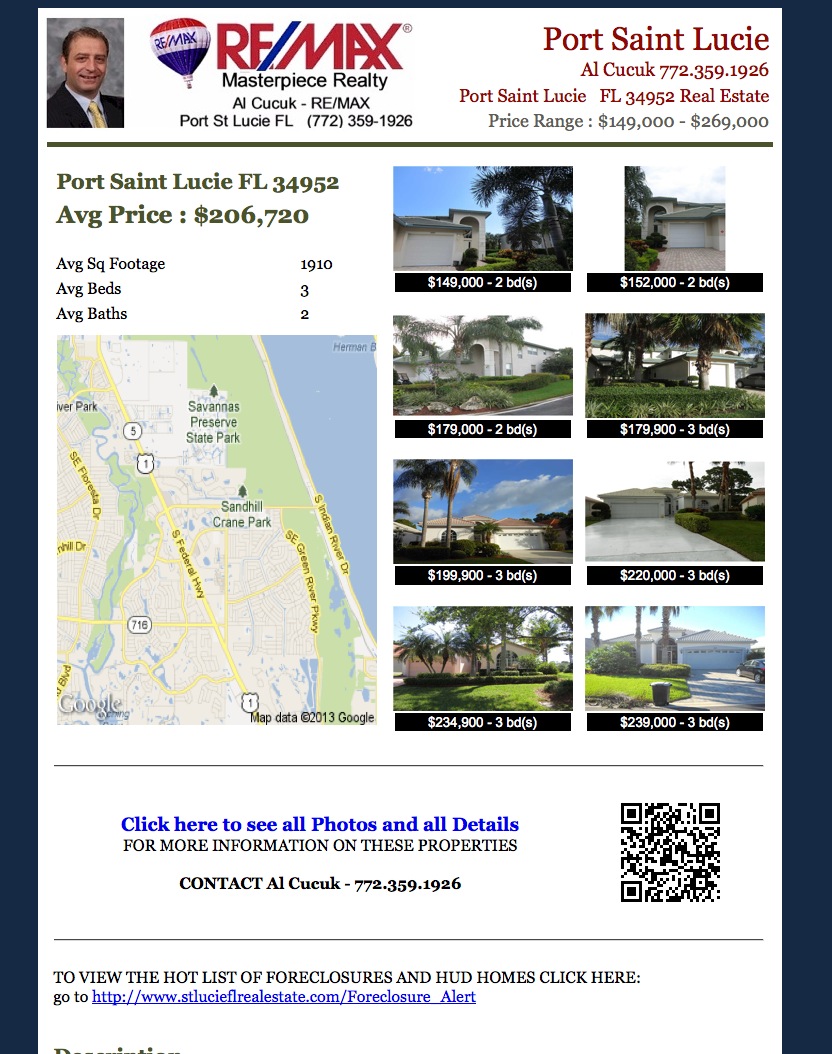
Second: We offer TWO options for our clients. One allows you to simply post (or have us do this for you) to Craigslist a high impact flyer generated by any search on your site! What this means is that you can create searches in various popular areas, at price ranges you know are popular. We even allow you to create flyers based on FORECLOSURES / HUD / SHORT SALES etc!
This allows you to generate leads by your own SWEAT EQUITY! You aren't tied to a large monthly bill to generate leads! We're the only company on the internet that offers this!
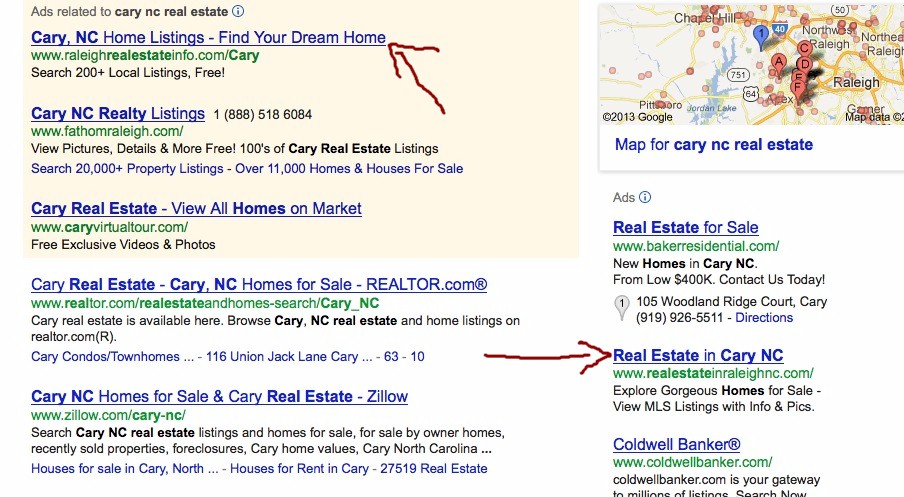
Optionally: Adwords - We CREATE for you up to 1200 ADS (Each with over 40 keyword phrases) for up to 400 communities/neighborhoods/subdivisions Each with its own landing page! No more wasting money on clicks that go to a generic page that isn't really what the client wants! We drive the client to the page they were looking for so you generate a lead for about every 7-9 clicks! (on average)
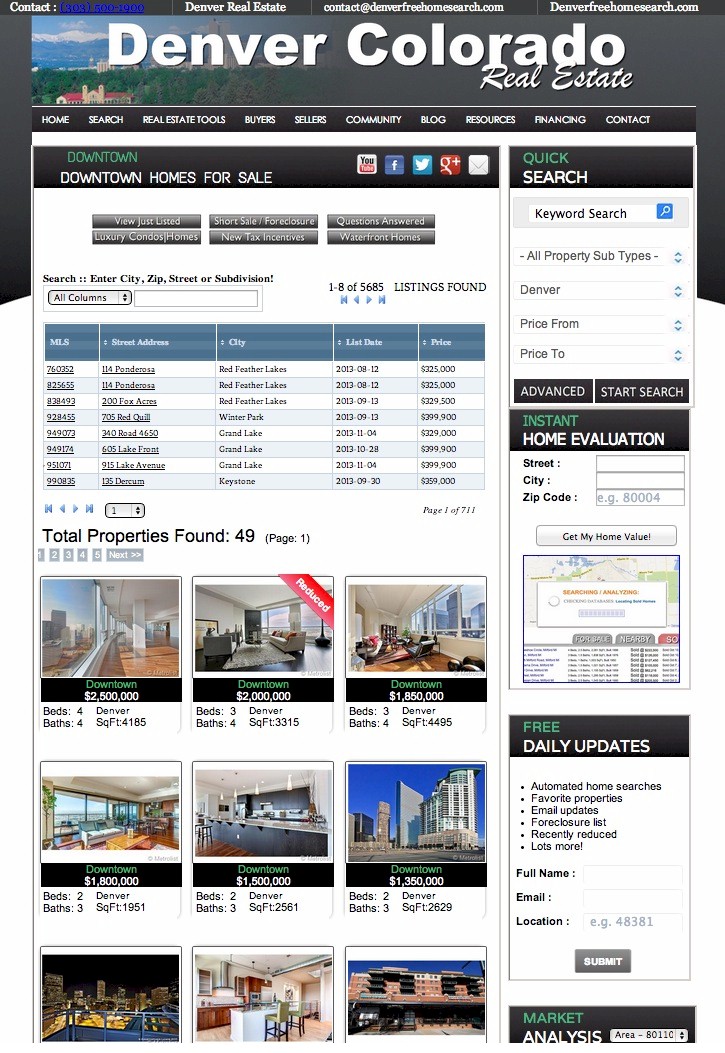
Third: We drive incoming traffic (potential clients) to a high impact (lead generating page) with lots of useful information and methods to capture leads Like View Just Listed, View Foreclosures, Answer a Question, Recently Reduced, Hot List and More!
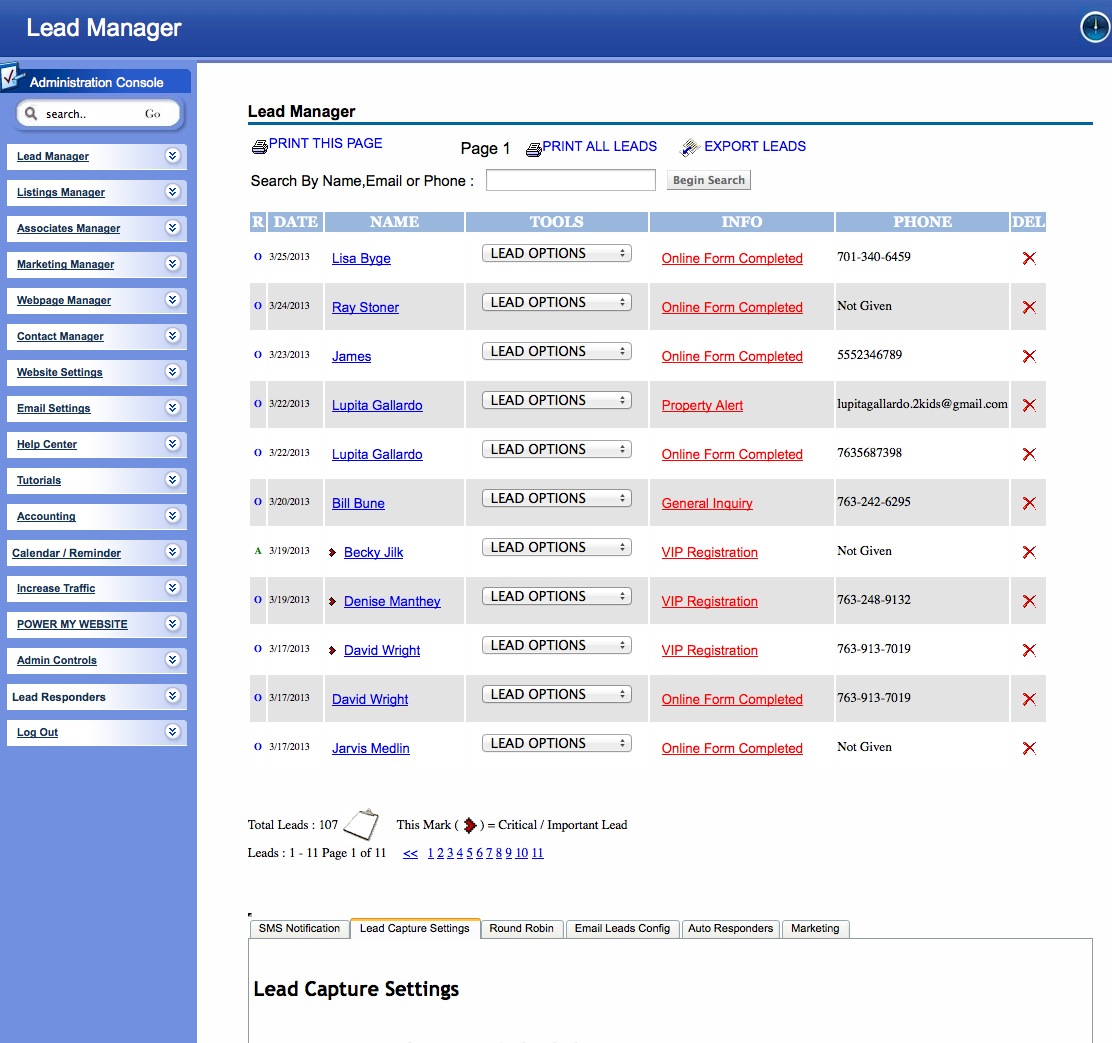
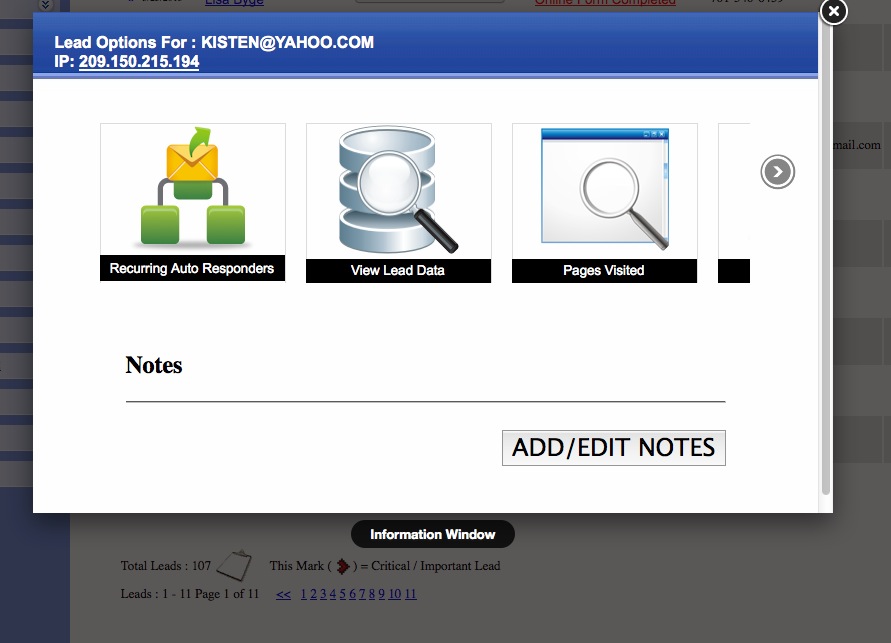
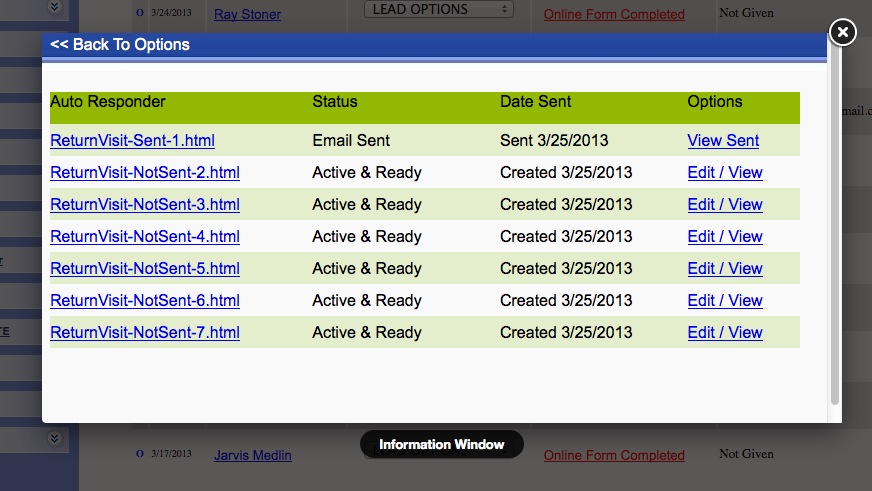
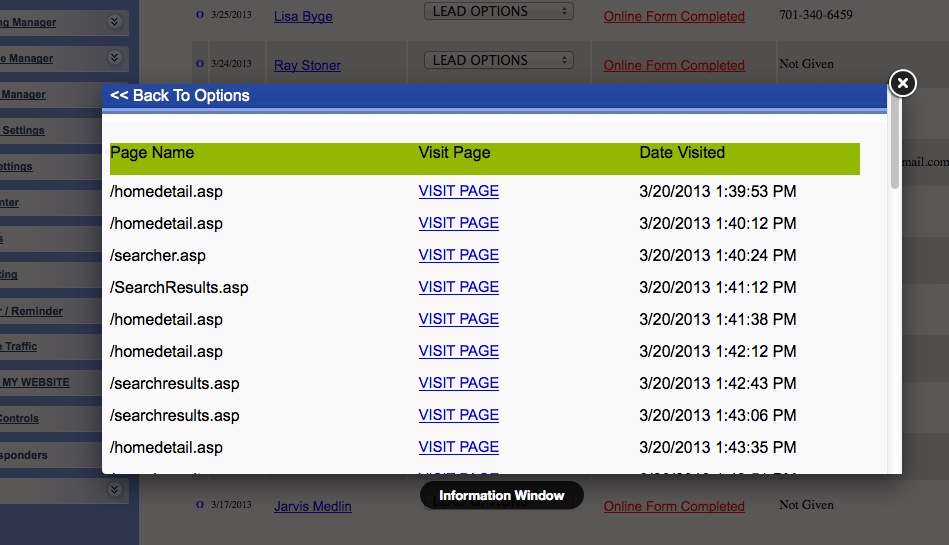
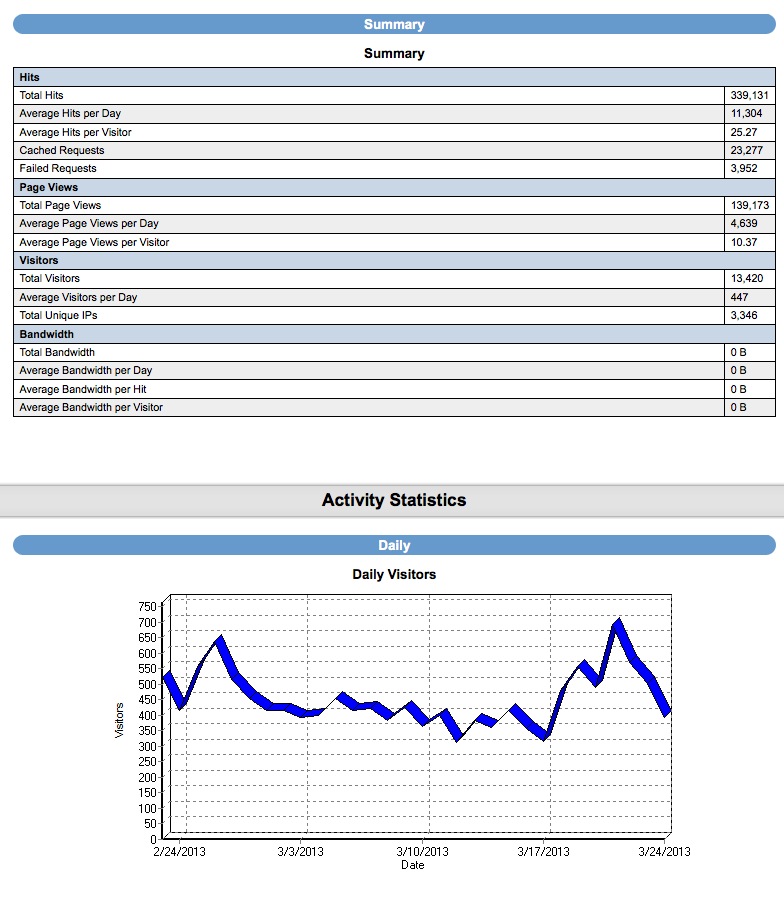
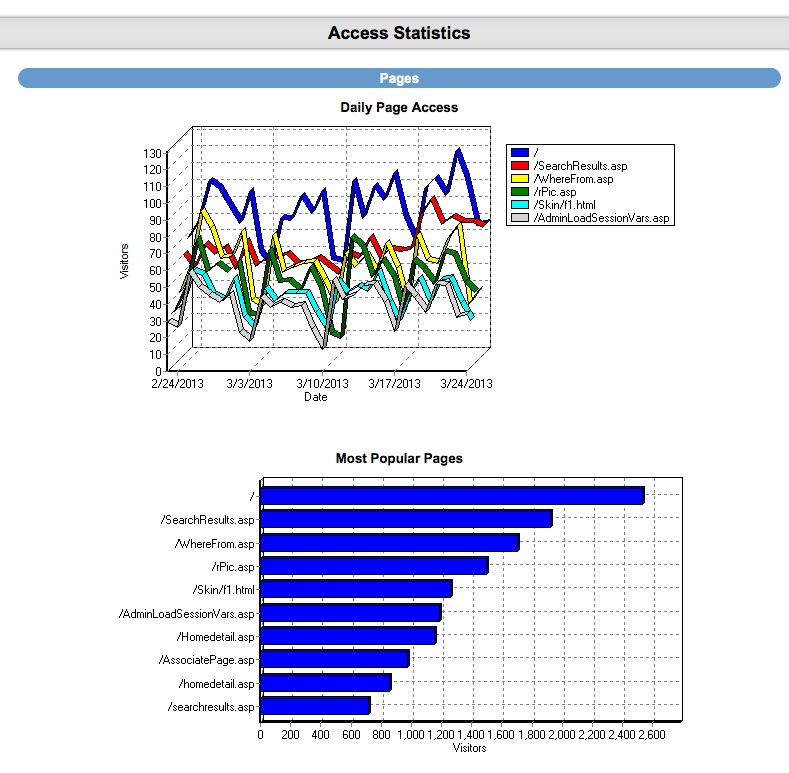
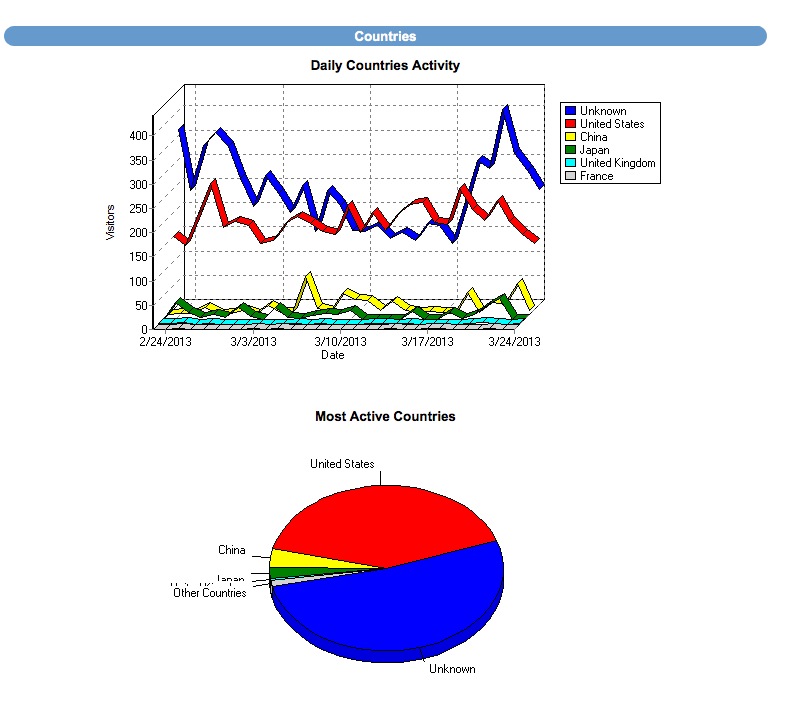
Finally: Once your generating leads (Day 1 if you're posting to craigslist!) You'll have a robust back end CRM system that will allow you to effectively manage your leads. Each time the visitor returns, they'll get an email thanking them for their return visit with different content written for each visit. You'll be able to see each page they visited and how long they stayed on each page. Advanced traffic analysis will let you know how many daily visitors you're receiving, which search engines are driving traffic to you and what keyword phrases are being used to find our site organically!
CRM also includes: Email Drip Marketing, Client login portal with saved listings, email a friend, private communication message base and document file system. Broker round robin sysetm is also built in! There are too many features to mention!
Customer Support
Top SEO Techniques
Link Building - Quality Inbound Links
Proper Text / Keyword Density (Title, Heading and Meta Tags)
REALTOR® -- A registered collective
membership mark that identifies a real estate professional who is a member of
the National Association of REALTORS® and subscribes to its strict Code of
Ethics. Realty Web Designers and Real Estate Web Site Design are not affiliated with REALTOR®, it's logos or trademarks. Thanks for your interest in real estate web design.